Doc Reader: read, highlight and annotate papers and PDFs
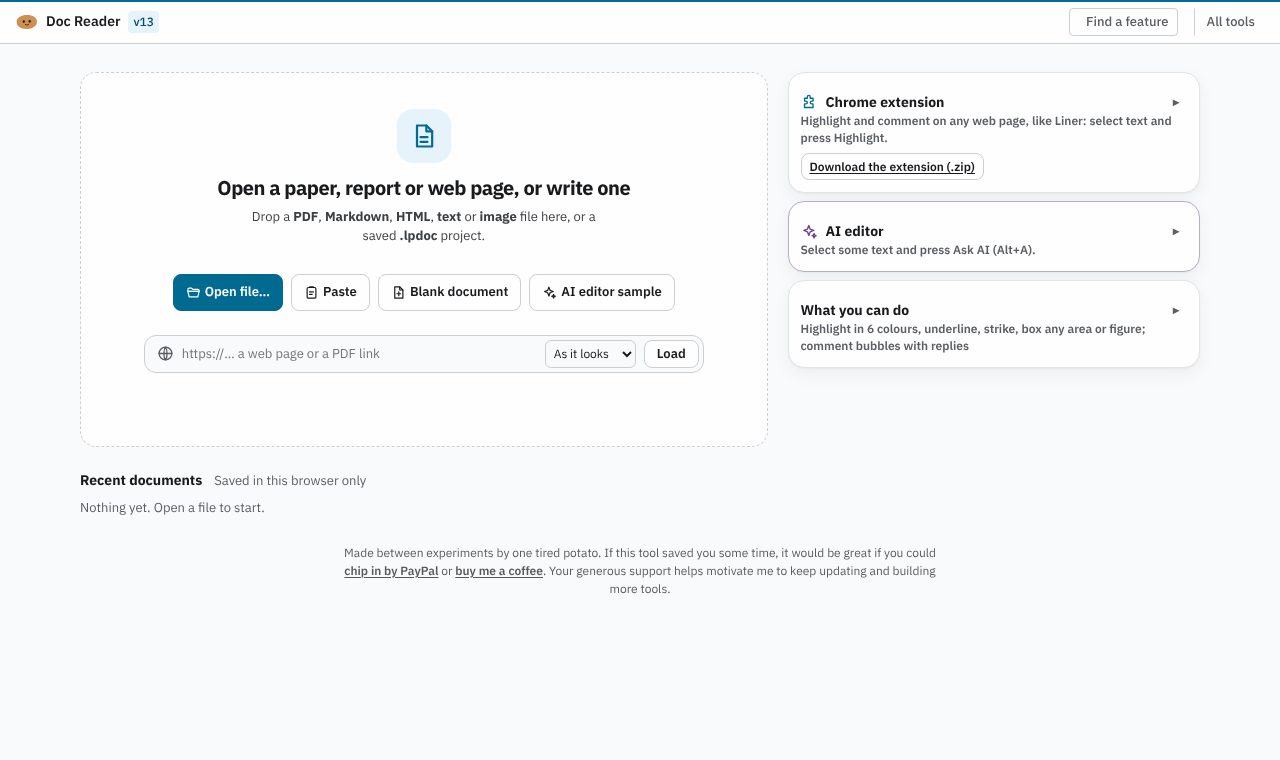
Read, highlight, comment on and edit PDFs, Markdown and web pages, or write a paper with an AI editor. Free, and your documents stay on your computer.
Open Doc Reader
Version 13, updated 11 November 2026. No install, no account.
✨ What it does
- Highlight in six colours, underline, strike, box any figure; comments with replies
- Edit a PDF’s own text, rotate, delete or add pages
- Write like in Word: fonts, footnotes, contents, offline spell check
- Ask AI about a selection and review its changes one by one, with your own API key
- A Chrome extension to highlight and comment on any web page
🪜 How to use it
- Open Doc Reader and press “Open file…” for a PDF, Markdown, HTML or image, or start a “Blank document”
- Highlight, comment, draw or edit; your work saves in this browser as you go
- To use the AI editor, add your own key for an AI service, select a passage and ask
- Export as PDF, HTML or Markdown
❓ Common questions
Is Doc Reader free?
Yes. Doc Reader is free, with no account and no trial period. The optional AI editor uses your own API key, under your own account with that AI service.
Are my documents uploaded anywhere?
No. Documents stay on your computer. Only when you ask the AI editor for an edit is that passage and its document sent, from your browser, straight to the AI service whose key you added.
Do I need to install anything?
No. The web app runs in your browser. The Chrome extension, for marking up any web page, is an optional download.
Can I use it on several computers?
Yes, with the Chrome extension: sign in with Google and your highlights and documents are kept in your own Google Drive.
🧰 More free tools for the wet lab
- Lab EntryNotebook & day planner
- Colony CounterPlate counts & CFU/mL
- Gel LabelerGel & blot figures
- Gibson AssemblyGibson primer design
- Microscopy Image LabelerMicroscopy figures
- Protein QuantA280 & protein yield
- Cryobox LabelerFreezer box inventory
- Sequence StudioPlasmid maps & primers